

Pay your way.

At the machine, on your phone, with a long-term pass from the online shop or automatically: four payment options, one straightforward parking experience.
Mann steht mit dem Handy in der Hand auf der Straße und bezahlt seinen Parkvorgang mobil
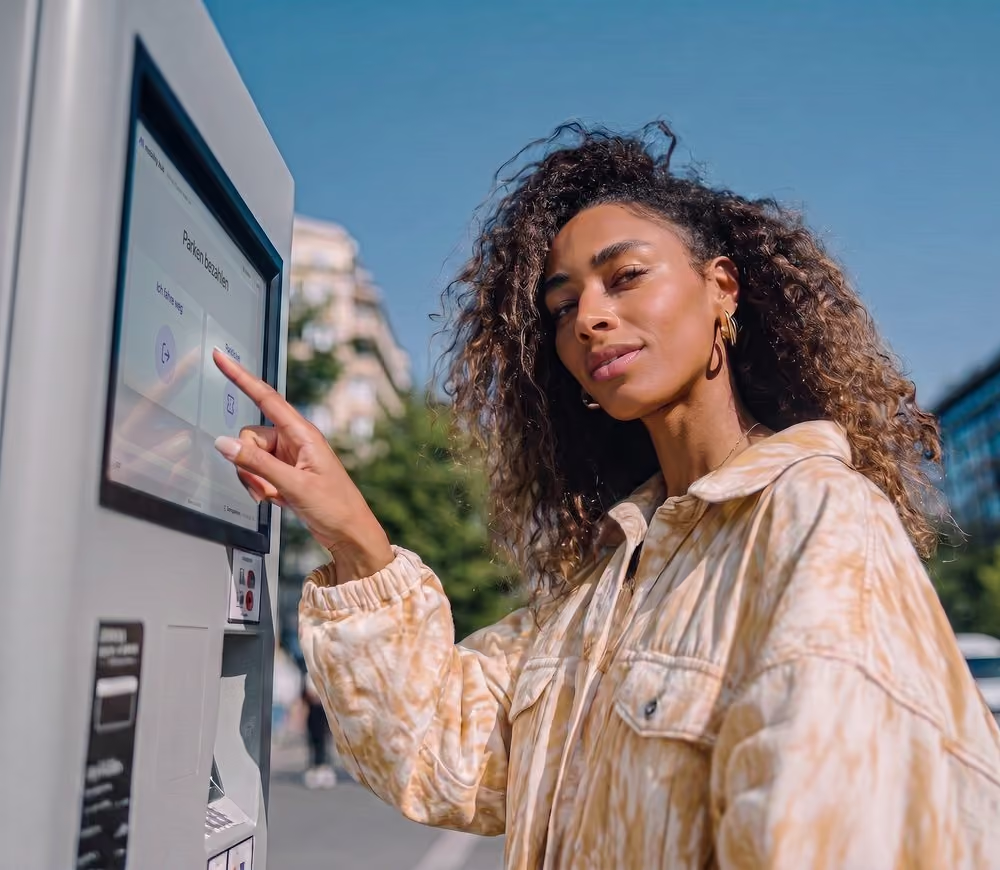
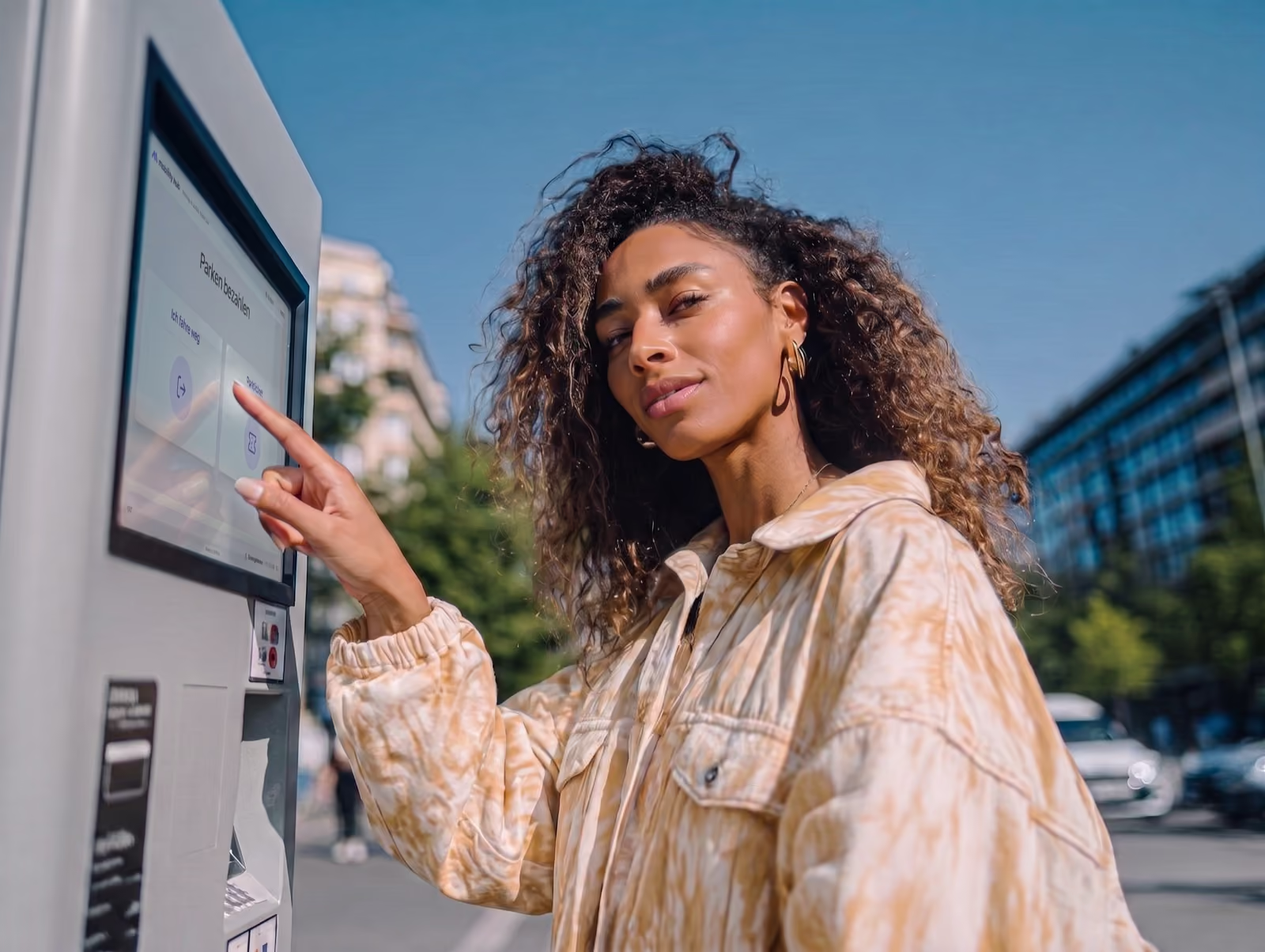
Frau bezahlt ihren Parkvorgang am Parkautomaten
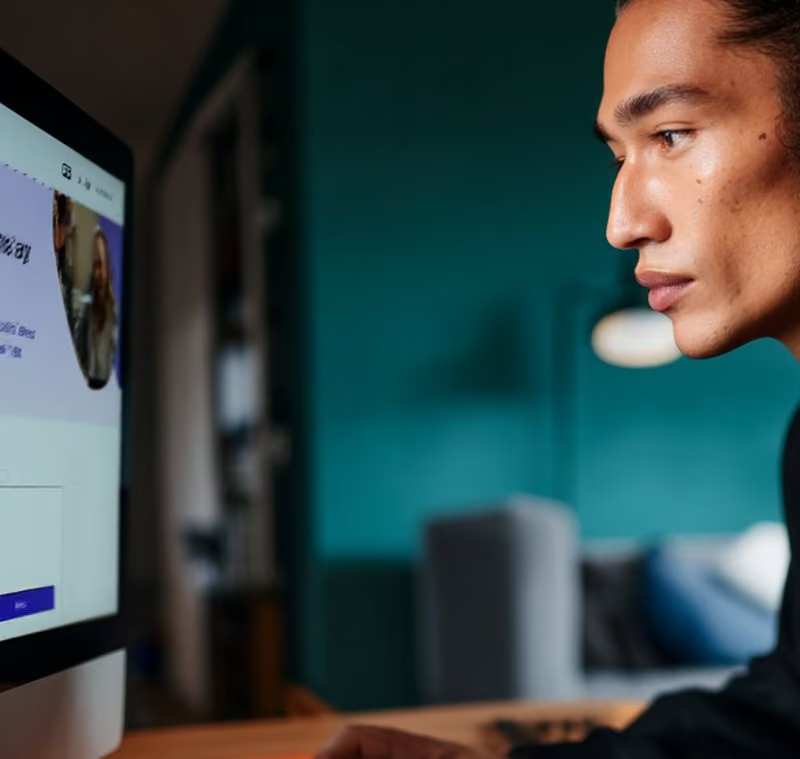
Frau bucht am Laptop einen Dauerparkplatz im Onlineshop
Zwei Personen lachen im Auto, die Abrechnung läuft automatisch im Hintergrund

Pay with familiar payment methods

Apple PayGoogle PaygirocardTWINTKlarnaVisa

Payment options at a glance

Payment machines

Mobile Payment

Choose your ticket

Automatic Payment
Frau bezahlt ihren Parkvorgang am Automaten

Pay on site

Pay directly at the machine in the parking area. Enter your license plate, scan a discount code if you have one, and pay. No smartphone or internet connection needed.
Cash and card
Apple Pay and Google Pay
QR code discounts
No smartphone needed
Frau bezahlt ihren Parkvorgang am Automaten

Pay when and where it suits you

Pay online from your phone before leaving, or up to 24 hours afterwards where post-payment is available. No app or registration needed.
Convenient online payment
Within 24 hours
Familiar payment methods
No registration needed
Mann bucht am Rechner einen Dauerparkplatz im Onlineshop

Park here regularly?

Buy a multi-use, monthly or annual ticket in the online shop for locations you visit regularly. Manage your license plates yourself.
Options to suit your needs
Weekly and monthly tickets
No trip to the machine
Buy directly online
Autofahrerin verlaesst die Parkflaeche, die Abrechnung laeuft automatisch

Set it up once. Payment takes care of itself.

Save your license plate and payment method in your account, then activate Automatic Payment. Drive in,
park and drive out. Your parking time is billed by the minute.
Billed by the minute
Runs in the background
All your sessions in one place
GDPR-compliant

Employee?
Customer?
Guest?

Some locations offer parking discounts. Depending on the location, you can apply them using one of these three options:
Besucherin geht durch ein Parkhaus

On the tablet on site

Enter your license plate on the tablet and confirm. The discount is applied to your parking session immediately. If an amount remains due, pay it as usual.

Scan a QR code on your phone

Scan the QR code displayed on the tablet or a printed sign, then enter your license plate on your own phone. The discount works in the same way as on the on-site tablet.

Scan a QR code at the payment machine

Received a single-use QR code? Scan it when you pay at the machine to apply the discount. The machine shows any remaining amount due.

How to use each payment option

Pay at the machine, use your phone, buy a regular parking ticket online or let Automatic Payment handle it. Here's how each option works.
Frau am Parkautomaten, davor die Auswahl zwischen Ich fahre weg und Parkticket
01

Choose your parking option

Depending on the location, choose "I'm leaving" to pay for your actual parking time or "Day ticket" for a time-based ticket.
<2 seconds
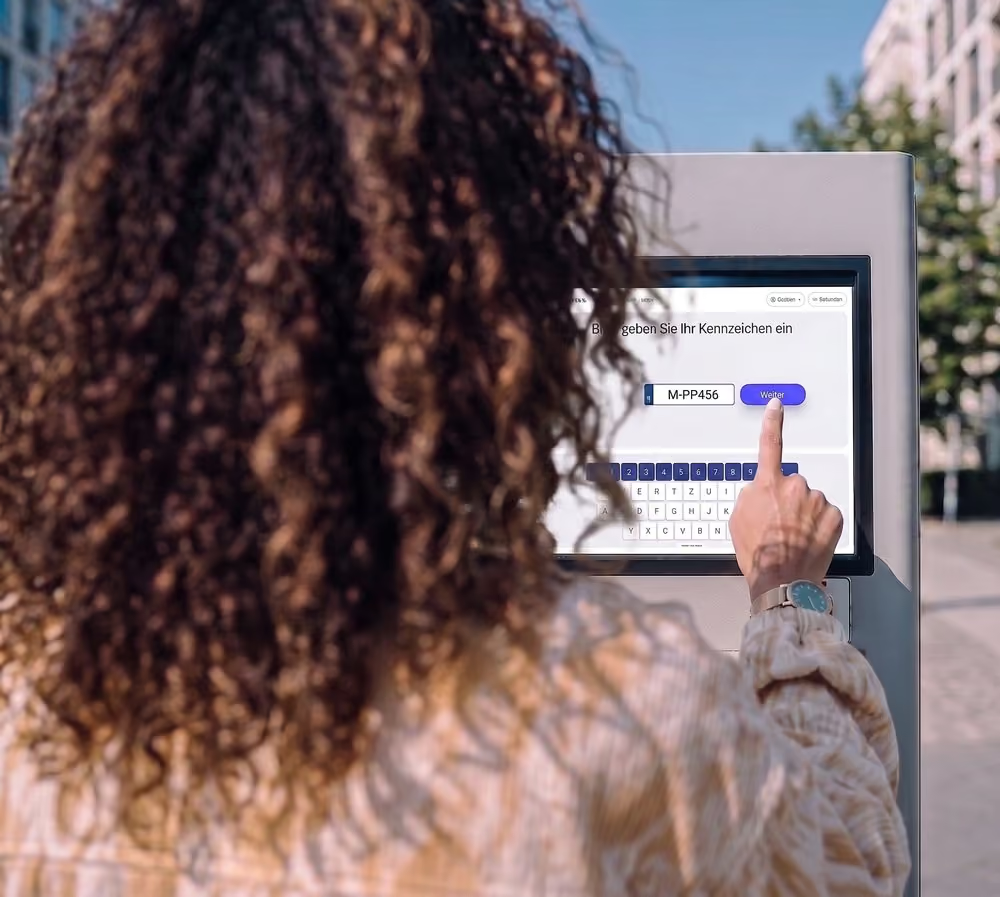
Frau tippt am Parkautomaten ihr Kennzeichen ein
02

Enter your license plate

Enter your license plate carefully, check it for errors and confirm.
<12 seconds
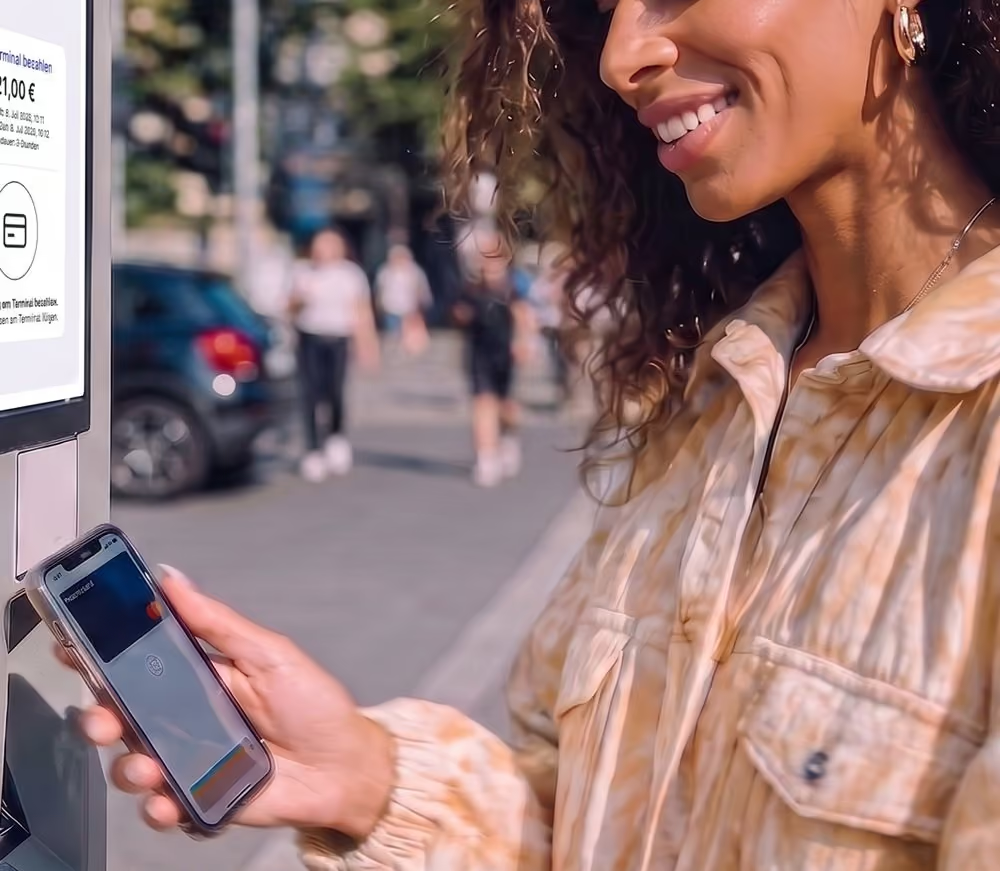
Hand mit Handy vor dem Parkautomaten, davor die Auswahl zwischen Münzen und Karte
03

Payment

Depending on the location, you can pay with coins, a debit or credit card, Apple Pay or Google Pay. The confirmation shows that your payment was successful. Please leave the parking area directly afterwards. See you next time.
<15 seconds
Mann mit Handy, davor die Mobile-Payment-Seite mit Kennzeicheneingabe
01

Open Mobile Payment

Scan the QR code on the signs at the parking location to open Mobile Payment. Enter your license plate. No app or registration needed.
<10 seconds
Mann mit Handy, davor die Liste der laufenden Parkvorgänge
02

Choose your parking session

The page shows whether your stay is still free or covered by Automatic Payment. If so, no further action is needed. Otherwise, you'll see your unpaid parking sessions. Select the one you want to pay for.
<5 seconds
Mann mit Handy, davor die Auswahl der Zahlungsmethode
03

Pay for parking

Select "Pay now" to pay your parking fee by credit card, Apple Pay, Google Pay or Klarna Pay Now. You will receive a confirmation and receipt by email.
<10 seconds
Frau am Laptop, davor das Registrierungsformular des Onlineshops
01

Register

Open the online shop for your parking location and register with your email address. The link is displayed on signs at the location.
<1 minute
Frau am Laptop, davor die Ticketauswahl mit Tagesticket und Zehnerticket
02

Choose a parking ticket

After registration, you'll see the available tickets: monthly or annual passes, multi-use tickets and time-limited tickets, such as evening parking for residents. Choose the option that suits you.
<5 seconds
Frau am Laptop, davor das Feld für den Startzeitpunkt des Tickets
03

Optional: choose a start date

Depending on the ticket type, you'll be asked to choose when it should start.
<5 seconds
Frau am Laptop, davor die Kennzeicheneingabe für das Ticket
04

Add your license plate

Enter one or more license plates. A ticket can only be used by one registered vehicle at a time, never by several simultaneously.
<10 seconds
Frau am Laptop, davor die Zahlungsübersicht des Onlineshops
05

Pay for your parking ticket

Pay by credit card, Apple Pay, Google Pay or Klarna Pay Now. Once payment is complete, your purchase is confirmed and your receipt is emailed to you. We'll email a reminder four days before your ticket or credit expires.
<10 seconds
Paar im Auto mit Handy, davor das Registrierungsformular
01

Register

Open the online shop for your parking location and register with your email address. The link is displayed on signs at the location.
<2 minutes
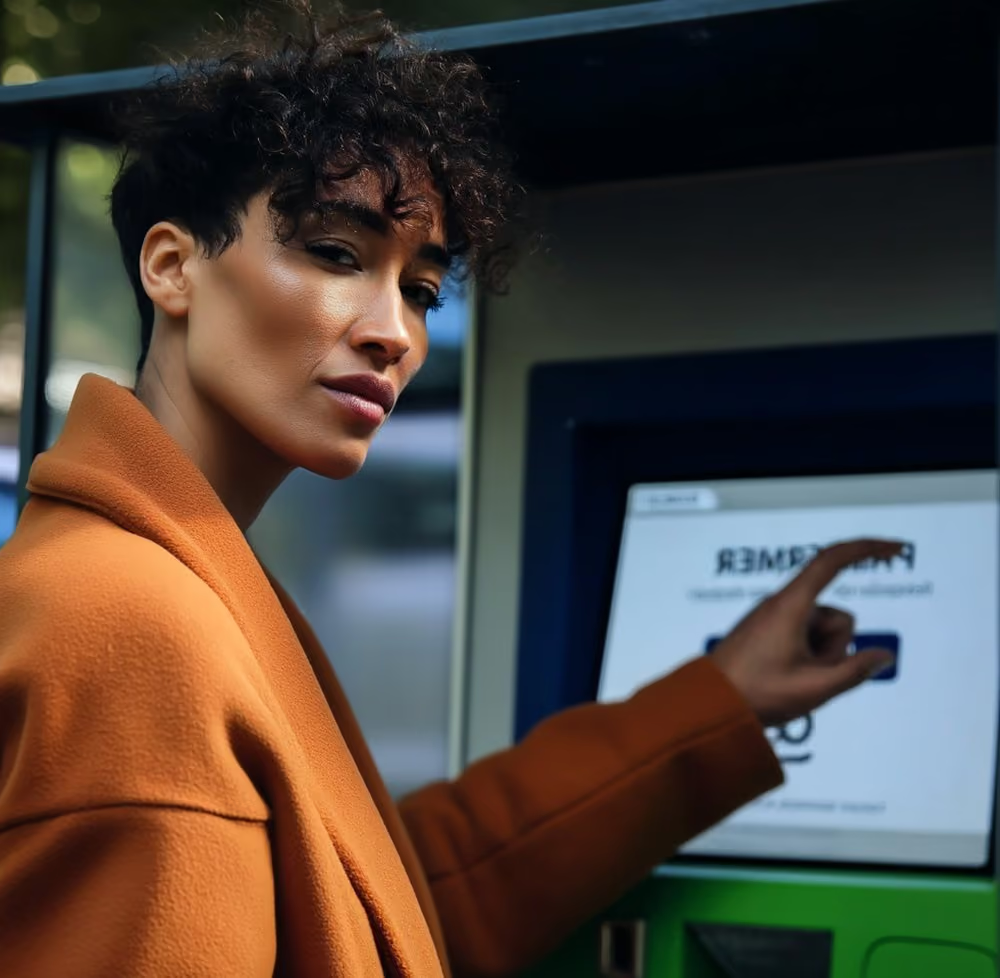
Frau im orangen Mantel am Parkautomaten
Your benefits
Convenient & secure
Payment runs automatically once activated, so you don't need to remember to pay.
Save time & avoid hassle
Go straight to your car and drive out, without paying manually.
Clear & fair
All your parking sessions in one place, billed according to the time you park.
Every 14 days, you receive an email with an overview of all parking sessions and the total bill.
Activate Automatic Payment
Active ✓
02

Activate Automatic Payment

Add your license plate numbers and choose a payment method: credit card, Apple Pay, Google Pay or Klarna Pay Now. Once the payment method is authorised, you'll receive confirmation that Automatic Payment is active.
<2 minutes
Paar im Auto lacht, das Parken läuft automatisch
Automatic Payment is now active.
You're ready to park at this location. Cameras record your license plate when you enter and exit.
View details
03

Your parking payments are now automatic

Parking sessions from the previous month are billed together at the start of the next month. You can see all current and completed sessions in your account.
0 seconds

Compare payment options

Payment option
Availability
Payment methods
When to pay
Ticket types
Registration
Payment machine
On site
Coins, Apple Pay, Google Pay, debit or credit card
Time-based ticket: on arrival
Flexible rate: shortly before leaving
Pay by parking duration or buy a time-based ticket
No
Mobile Payment
Online, 24/7
Klarna Pay Now, Apple Pay, Google Pay, credit card
Shortly before leaving or within 24 hours after exit, where available
Based on parking duration
No
Online shop
Online, 24/7
Klarna Pay Now, Apple Pay, Google Pay, credit card
Before your stay
Monthly or annual pass, multi-use or time-limited ticket
Yes
Automatic Payment
Online, 24/7
Klarna Pay Now, Apple Pay, Google Pay, credit card
Handled automatically
Billed by the minute
Yes

Frequently asked questions.

The answers you need, clearly explained.

All FAQs →

If you need a receipt for a payment for a past parking session, please contact our chatbot at the bottom right of the website.

For future parking sessions on an area managed by us, you can request a receipt directly at our pay station after payment. If you use our online shop or a parking app, you will automatically receive proof of payment by email.

We are sorry for the technical difficulties. Please contact us via our chatbot (at the bottom right) so that we can look into your case personally.

Please contact us via our chatbot (at the bottom right) and let us know your name, email address, phone number and the parking area where you parked.

Sometimes other drivers find a lost card and hand it in. We will then contact you personally.

Please use our chatbot for this request. You will find it at the bottom right.

Germany: Apple Pay, Google Pay, Klarna Pay Now, American Express, Maestro, Mastercard, Visa, girocard, UnionPay

Not all payment methods are available everywhere. Different options are available at our pay stations than in our online shop. You can find an overview here: Payment methods

Please use the self-service portal for your country so that we can review your case. In certain circumstances, we may be able to grant you an extension of the payment deadline.